Quick verdict
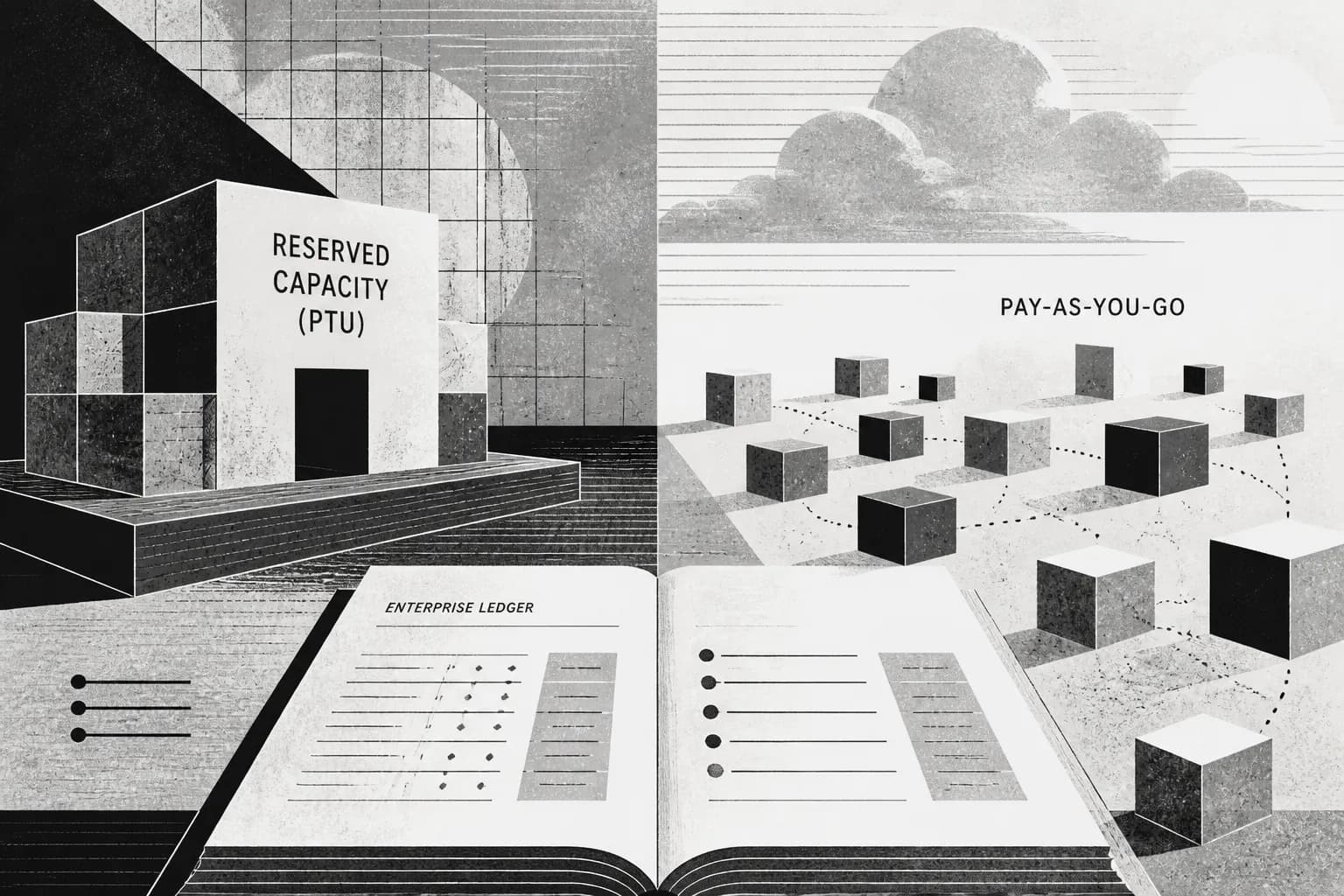
Azure OpenAI (Microsoft Foundry / Azure OpenAI Service) pricing is three shapes on one platform. Microsoft documents them on Azure OpenAI pricing and in provisioned throughput (PTU) docs. If you only compare “$/1M tokens” to direct OpenAI, you will miss why enterprises pick Azure. The short version:
- Standard PAYG: pay per input/output (and cached input where published). Best for pilots, variable traffic, and anything without a proven floor.
- Provisioned Throughput (PTU): pay an hourly $/PTU for reserved capacity regardless of tokens used. Optional 1-month or 1-year reservations discount the effective rate. Delete (or scale down) deployments to stop hourly burn; reservations are a separate financial commitment.
- Batch: about 50% off Global Standard for async jobs that can wait (often up to ~24 hours). Do not put interactive chat on Batch.
- Break-even: PTU wins on sustained high utilization with a latency/capacity need. PAYG wins for variable and pilot loads. Low utilization on PTU is expensive idle capacity.
- AU enterprise honesty: Azure is often chosen for data residency, Microsoft agreements / MACC, quotas, and procurement, not because it is the lowest token sticker versus direct OpenAI or Bedrock.
Cipher’s first-hand cutover: model Azure cost as PAYG tokens (or PTU hours) + deployment type (Global / Data Zone / Regional) + quota reality. Teams that only chase OpenAI.com stickers usually rediscover Azure when legal or EA/MACC says the workload must sit in a Microsoft-owned region path.
Last updated: August 2026. Rates and PTU tables change; re-verify Azure OpenAI pricing and MS Learn provisioned-throughput docs before you publish a budget externally.
What actually appears on an Azure OpenAI invoice?
| Meter / mode | What you pay for | When it shows up |
|---|---|---|
| Standard (PAYG) | Input, output, and cached-input tokens (model- and SKU-specific) | Every completion on a Standard deployment |
| Priority processing | Higher per-token rates with defined latency targets (where offered) | Latency-sensitive PAYG without a PTU commitment |
| Provisioned (PTU) | Hourly $/PTU for allocated throughput; reservations discount the meter | Reserved capacity deployments; you pay when idle |
| Batch API | ~50% off Global Standard token rates for supported async jobs | Offline enrichment, evals, backfills |
| Deployment type | Global vs Data Zone vs Regional packaging (price and data boundary differ) | When residency or price tier forces a non-Global SKU |
Related on this site: OpenAI API pricing explained (2026) for direct-API stickers and cache/Batch levers, and AWS Bedrock pricing when the estate is AWS-first.
PAYG vs PTU vs Batch
Standard PAYG
You pay per token with no capacity reservation. Idle inference cost is effectively zero. Cached input (where the model publishes it) discounts repeated prefixes. Best default until you can show a stable traffic floor and a capacity/latency problem PAYG cannot meet.
Provisioned Throughput (PTU)
You buy throughput capacity in PTUs. Microsoft bills an hourly rate per PTU for the deployment type and model family. Tokens are not the primary meter while you are inside provisioned capacity; utilization and sizing are. Key mechanics from MS Learn:
- Minimum PTU sizes apply per model and deployment type (often on the order of 15 PTU Global/Data Zone vs higher Regional minimums; confirm the live sizing table).
- Hourly PTU continues while the provisioned deployment exists, including idle hours.
- Reservations (1 month or 1 year) are a financial discount on the PTU meter, scoped to subscription/region/deployment type. They do not by themselves create capacity; create the deployment first when capacity is available, then buy the reservation to lock the rate.
- To stop hourly PTU charges, remove or scale down the provisioned deployment. A reservation may still run its term as a separate commitment.
Batch
Microsoft markets Batch at about 50% off Global Standard for completions returned on an async timeline (commonly within ~24 hours for batch-style jobs). Use it for evals and offline pipelines. It is a discount on PAYG-shaped work, not a substitute for PTU when you need reserved interactive capacity.
Cipher cutover rule: stay on PAYG until you have a week of production traffic with a clear floor and a reason PTU must exist (quota, latency SLA, or sustained utilization math). Then compare floor traffic × PAYG rates against PTU hours at that floor, including idle nights and weekends you still pay.
Break-even framing (directional)
Exact $/PTU/hour is model-, region-, and agreement-specific (Azure’s public page often masks list prices behind calculator login). Use this shape for planning conversations:
| Utilization shape | Usually wins | Why |
|---|---|---|
| Pilot / spiky / unpredictable | PAYG (+ Batch for offline) | Idle PTU hours dominate; prompts still changing weekly |
| Steady high utilization, latency-sensitive | PTU + reservation | Hourly capacity amortized; reservation deepens discount vs raw hourly PTU |
| Steady baseline + rare spikes | PTU for floor + PAYG spillover (where designed) | Avoid sizing PTU for peak; pay PAYG on bursts |
| Large offline corpus jobs | Batch on Global Standard | ~50% off without carrying interactive PTU |
Third-party break-even writeups often show PTU looking expensive below roughly mid-to-high utilization, and yearly reservations cutting deep versus hourly PTU. Treat those percentages as directional; run your token logs and the Azure pricing calculator under your EA/MACC.
Worked shape: three monthly scenarios (directional)
| Scenario | Traffic shape | Dominant meters | Planning note |
|---|---|---|---|
| AU enterprise pilot | Tens of thousands of turns; Regional or Data Zone for residency; models still changing | PAYG tokens | Do not buy PTU yet. Lock Region and content logging policy first |
| Customer assistant in production | Steady daytime load, quiet nights; p95 latency matters | PAYG or PTU at the daytime floor | Compare PAYG on real logs vs PTU sized to floor (not peak). Quiet nights punish oversized PTU |
| High-volume API + nightly enrichment | Interactive path + large async backfill | PTU or PAYG for interactive + Batch for offline | Keep Batch off the interactive deployment mental model; two pipelines, two budgets |
Australian enterprise angles: residency, MACC, quotas
For many AU buyers, Azure OpenAI wins on constraints that never appear in a $/1M table:
- Data residency / Regional deployments: Australia East / Southeast and related Regional or Data Zone choices can matter more than Global’s cheaper packaging. Confirm model availability in the Region you must use.
- Microsoft agreements and MACC: Existing Enterprise Agreement / Microsoft Azure Consumption Commitment often makes Azure the path of least procurement resistance even when direct OpenAI stickers look lower.
- Quotas: PAYG quotas and PTU capacity are finite. “We will just scale” fails when the Region has no PTUs. Validate capacity before launch marketing.
- Latency SLA on provisioned: PTU exists partly for predictable throughput and latency targets documented per model. If the business bought a latency promise, price the promise, not only tokens.
Honest comparison: if the estate is AWS-native and residency can be met on Bedrock, re-run TCO there (Bedrock pricing, Bedrock vs Vertex). If the estate is Microsoft-native, Azure OpenAI is usually the default even when a blog post shows a cheaper public API sticker.
Choose PAYG, PTU, or Batch if…
- Choose PAYG if traffic is variable, you are still changing prompts weekly, or you cannot prove a stable floor.
- Choose PTU if you have sustained high utilization, need reserved capacity / latency targets, and have confirmed Regional capacity.
- Choose a 1-month or 1-year reservation if PTU is already justified and you want the discounted $/PTU/hr (after capacity exists).
- Choose Batch if the job is offline and can wait on Global Standard’s async discount.
- Choose Azure over direct OpenAI if residency, EA/MACC, or enterprise controls require it, then re-price on Azure’s card rather than openai.com alone.
- Choose Bedrock or Vertex instead if your cloud footprint and security team already live there. Platform follows data.
Related: OpenAI API pricing explained (2026) · AWS Bedrock pricing · Bedrock vs Vertex AI · Applied AI Engineering · Pricing
FAQ
Is Azure OpenAI cheaper than calling OpenAI directly? Not reliably on token stickers. Azure’s value is usually residency, Microsoft procurement, quotas/capacity options, and enterprise controls. Compare TCO under your agreement, not only public $/1M tables.
Do we pay for tokens on PTU? Provisioned deployments are billed primarily on PTU-hours (and reservation discounts), not classic PAYG token burn for traffic inside that capacity. Oversizing PTU means paying for idle hours. Confirm current billing nuances for spillover and priority tiers on MS Learn.
How do reservations work? 1-month or 1-year Azure Reservations discount the PTU meter for a scope (subscription/region/deployment type). They are not a substitute for creating a deployment when capacity is available. Deleting a deployment stops hourly usage charges; reservation commitments still need managing.
When should Australian teams reserve PTUs? When you have a proven traffic floor, a latency or capacity requirement PAYG cannot meet, confirmed Regional capacity, and break-even math that includes nights and weekends.
Who can help model Azure OpenAI vs Bedrock TCO? Cipher Projects is an Australian-led AI engineering studio that designs production AI on Azure, AWS, and GCP for AU/SG teams, including PAYG vs PTU cutovers under accounts and agreements you control.
Conclusion
Azure OpenAI pricing rewards teams that separate token stickers from capacity economics. Start on PAYG, Batch what can wait, and reserve PTUs only when utilization and latency math (plus Regional capacity) say so. For Australian enterprises, procurement and residency often decide the platform before any model rate card does. Price the real constraints, then pick the meter.